LocalCast: Cast to TV Description
LocalCast is the number one casting solution on Android with over 10,000,000 users!
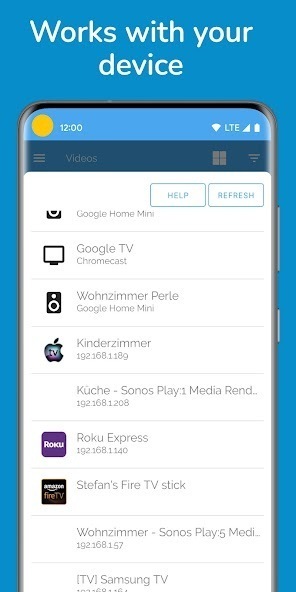
Works with: Google Cast, Chromecast, SmartTVs, Roku, Nexus Player, Apple TV, Amazon Fire TV or Stick, Sony Bravia, Samsung, LG, Panasonic and other SmartTVs, Sonos, Xbox 360, Xbox One or other DLNA Devices.
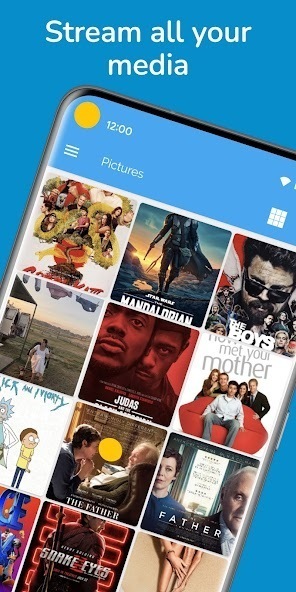
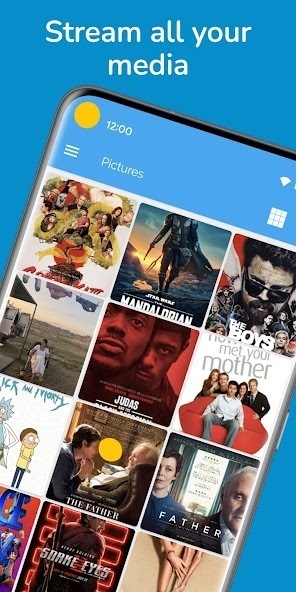
Send videos, music or pictures
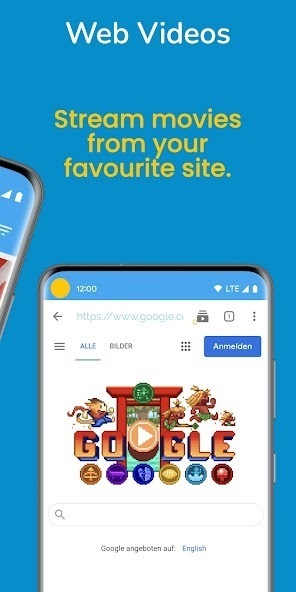
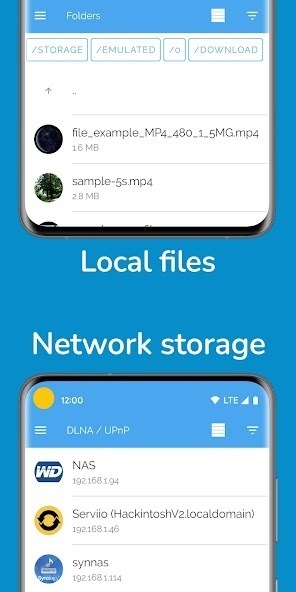
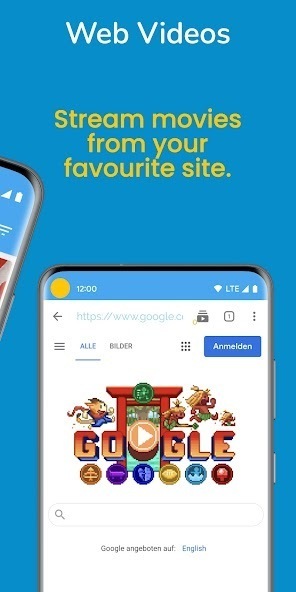
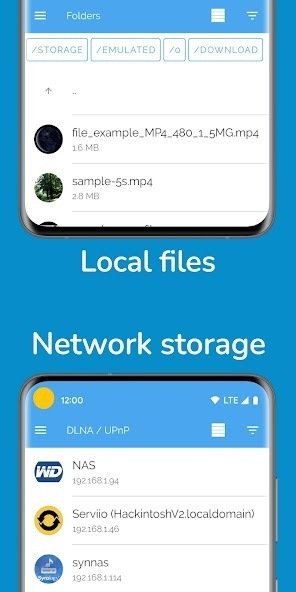
FROM your phone or tablet, other apps, NAS (DLNA/UPnP or Samba), Google Drive, Google+, Dropbox or a webpage
// FAQ
If you have a problem with LocalCast, please see the FAQ (english only right now):
www.localcast-app.com/faq
// Unique features
- Zoom & rotate & pan (Chromecast & other Google Cast devices)
- NAS: SMB access
- Subtitles: Opensubtitle.org integration
Subtitles only work with Chromecast and Apple TV 4
// Videos
Be aware that the Chromecast only supports a couple of format/codecs.
It can read containers like mp4, mkv, 3gp and m4v, but all these containers can use different codecs.
If something doesn't work, please visit the FAQ (english only right now): www.localcast-app.com/faq
// Pictures
On a Chromecast:
Rotate, zoom and pan pictures easily from the "Now playing" screen, touch the
button with the four arrows.
// Subtitles
Subtitles work with Chromecast and Apple TV 4:
- Use the Opensubtitles.org integration
- Touch a subtitle file after you started a video
Subtitles in the same folder are added automatically.
You can set a subtitle folder which will be searched.
Subtitle timing, font, background and color can be changed.
Subtitle encoding in the settings: e.g. for arabic subtitles choose UTF-8
Some DLNA servers add information about subtitles, some don't.
// Wireless headphones (beta)
Touch the headphone symbol on the "Now playing" screen, to stream the sound to your phone.
It's impossible to sync this automatically and network delays make it hard.
This feature is in beta: it might work most of the time.
// Chromecast supported formats
https://developers.google.com/cast/docs/media
// Recommended PC software to convert your files:
https://handbrake.fr/
// In app purchases:
The app is free and ads supported, all purchases unlock all Pro version features:
- No ads
- Search (device only)
- Video preview when seeking on the "Now playing" screen
There are subscriptions "/month", "/year" and one time purchases.
I am just one independent developer working on my apps whenever I can, without a big budget for testing on various devices.
If you find a bug please contact me via Google+ or email and I'll try to fix it ASAP!
// App logo
converted to vector graphic by Logain UBiv Tnomal Ablar
// Translations:
https://crowdin.com/project/localcast
// Permissions:
Allow WiFi Multicast: for the server
Your accounts: To log you into Google Services
Phone state/identity: Pause/Resume on incoming calls
// Anonymous Usage Statistics:
This App gathers anonymous usage statistics through Firebase Analytics to find bugs and enhance future user experience.
You can opt out by deactivating this option in the App's settings.
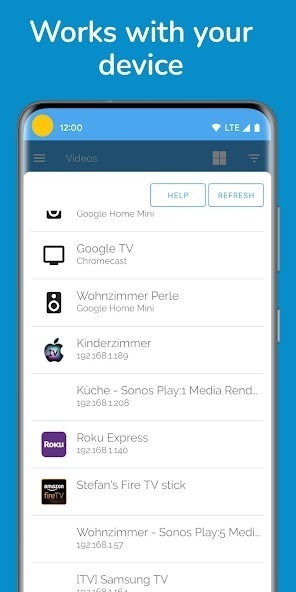
Works with: Google Cast, Chromecast, SmartTVs, Roku, Nexus Player, Apple TV, Amazon Fire TV or Stick, Sony Bravia, Samsung, LG, Panasonic and other SmartTVs, Sonos, Xbox 360, Xbox One or other DLNA Devices.
Send videos, music or pictures
FROM your phone or tablet, other apps, NAS (DLNA/UPnP or Samba), Google Drive, Google+, Dropbox or a webpage
// FAQ
If you have a problem with LocalCast, please see the FAQ (english only right now):
www.localcast-app.com/faq
// Unique features
- Zoom & rotate & pan (Chromecast & other Google Cast devices)
- NAS: SMB access
- Subtitles: Opensubtitle.org integration
Subtitles only work with Chromecast and Apple TV 4
// Videos
Be aware that the Chromecast only supports a couple of format/codecs.
It can read containers like mp4, mkv, 3gp and m4v, but all these containers can use different codecs.
If something doesn't work, please visit the FAQ (english only right now): www.localcast-app.com/faq
// Pictures
On a Chromecast:
Rotate, zoom and pan pictures easily from the "Now playing" screen, touch the
button with the four arrows.
// Subtitles
Subtitles work with Chromecast and Apple TV 4:
- Use the Opensubtitles.org integration
- Touch a subtitle file after you started a video
Subtitles in the same folder are added automatically.
You can set a subtitle folder which will be searched.
Subtitle timing, font, background and color can be changed.
Subtitle encoding in the settings: e.g. for arabic subtitles choose UTF-8
Some DLNA servers add information about subtitles, some don't.
// Wireless headphones (beta)
Touch the headphone symbol on the "Now playing" screen, to stream the sound to your phone.
It's impossible to sync this automatically and network delays make it hard.
This feature is in beta: it might work most of the time.
// Chromecast supported formats
https://developers.google.com/cast/docs/media
// Recommended PC software to convert your files:
https://handbrake.fr/
// In app purchases:
The app is free and ads supported, all purchases unlock all Pro version features:
- No ads
- Search (device only)
- Video preview when seeking on the "Now playing" screen
There are subscriptions "/month", "/year" and one time purchases.
I am just one independent developer working on my apps whenever I can, without a big budget for testing on various devices.
If you find a bug please contact me via Google+ or email and I'll try to fix it ASAP!
// App logo
converted to vector graphic by Logain UBiv Tnomal Ablar
// Translations:
https://crowdin.com/project/localcast
// Permissions:
Allow WiFi Multicast: for the server
Your accounts: To log you into Google Services
Phone state/identity: Pause/Resume on incoming calls
// Anonymous Usage Statistics:
This App gathers anonymous usage statistics through Firebase Analytics to find bugs and enhance future user experience.
You can opt out by deactivating this option in the App's settings.

If the placement of this app violates your rights, please report us via the contact form.